
Notopium: The Ultimate, Smarter Evolution of Noton Scanner.
Notopium is the App Store release of our scanning platform - faster, smarter, and more capable with AI and AR enhancements built on the trusted Noton Scanner workflow.
Already using Noton Scanner? Notopium is the next-generation upgrade for App Store users.
Logo path: /images/notopium-logo.png
Notopium Features
The next-generation, smarter upgrade to Noton Scanner - built for high-precision scanning, intelligent organization, and App Store-ready experiences.
Notopium App Screenshots
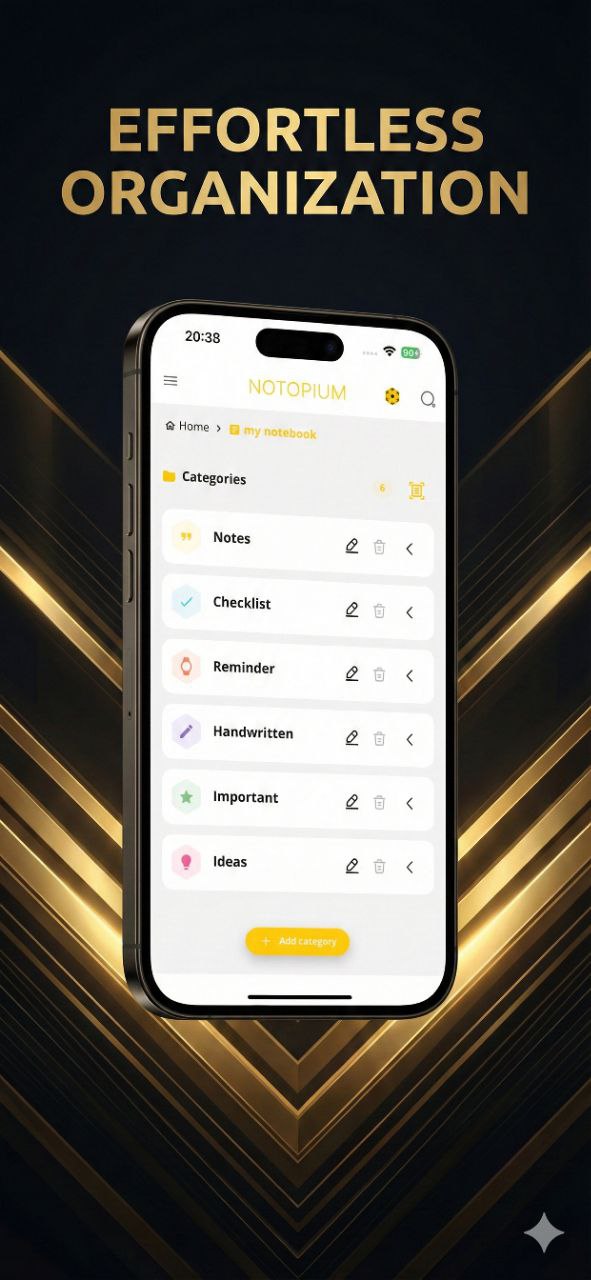
Effortless Organization
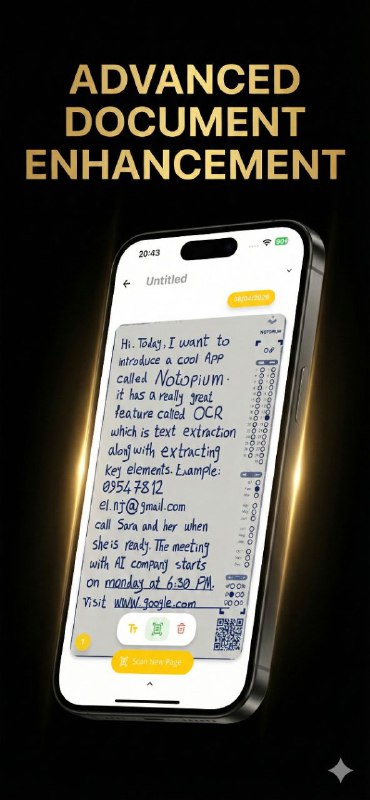
Advanced Document Enhancement
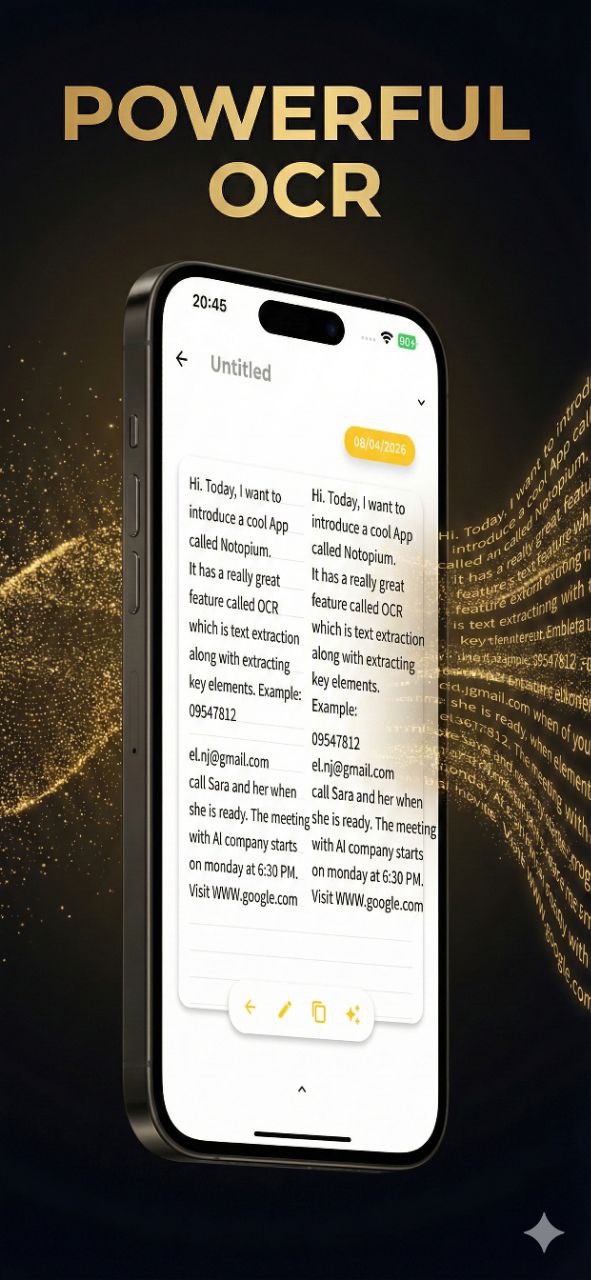
Powerful OCR
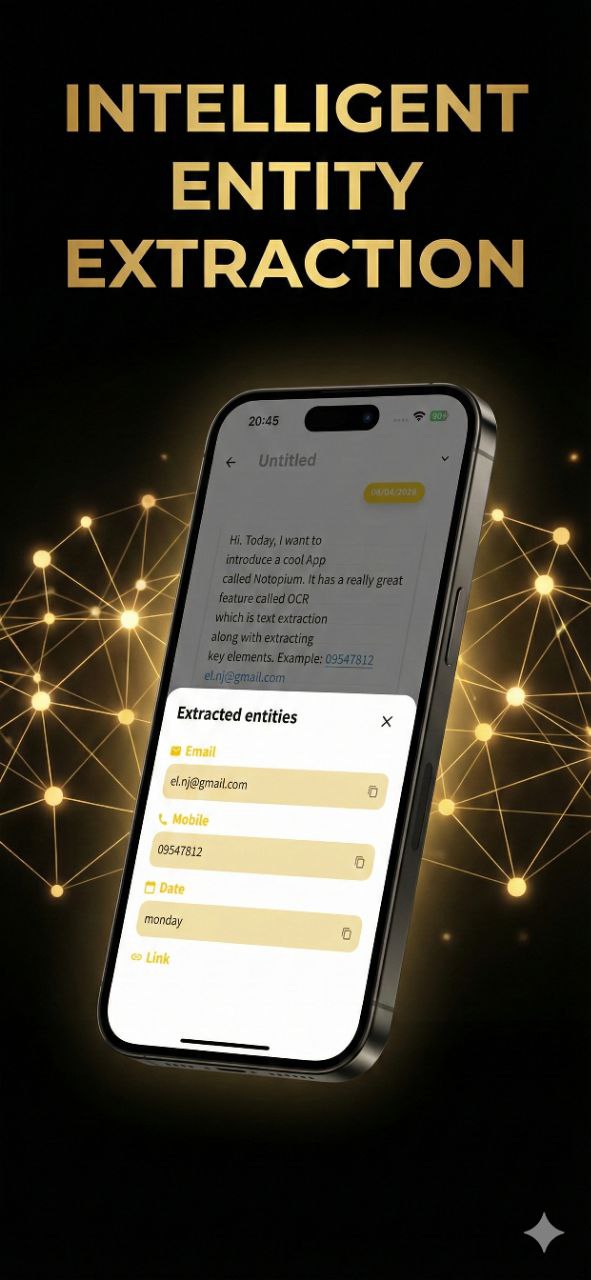
Intelligent Entity Extraction
Auto-Scan
Automatic detection and cropping of physical documents.
OMR (Optical Mark Recognition)
On-device extraction of dates and categories from marked physical pages.
Advanced OCR
Cloud-based, highly accurate text extraction.
AI Entity Extraction
Automatically extract names, addresses, links, emails, and phone numbers.
File Attachments
Attach various files to documents for complete context.
AR Capabilities
Augmented Reality features utilizing target images.
Noton Scanner Core Features
The streamlined scanning workflow that made Noton Scanner trusted and easy to use.
Smart Auto-Scan
Just tap 'Start Scan' and hold steady. The app captures automatically with edge detection and perspective correction.
Rich Attachments
Attach more than just scans. Add Photos, Videos, PDFs, and Audio (mp3, wav) to your documents.
Remote Library
Easily access and manage additional shared PDFs from your remote library.
Privacy First
Your scans remain stored locally on your device unless you choose to share them. No cloud required.
Noton Scanner Screenshots
See Noton Scanner in action with a clean, intuitive interface designed for effortless scanning.
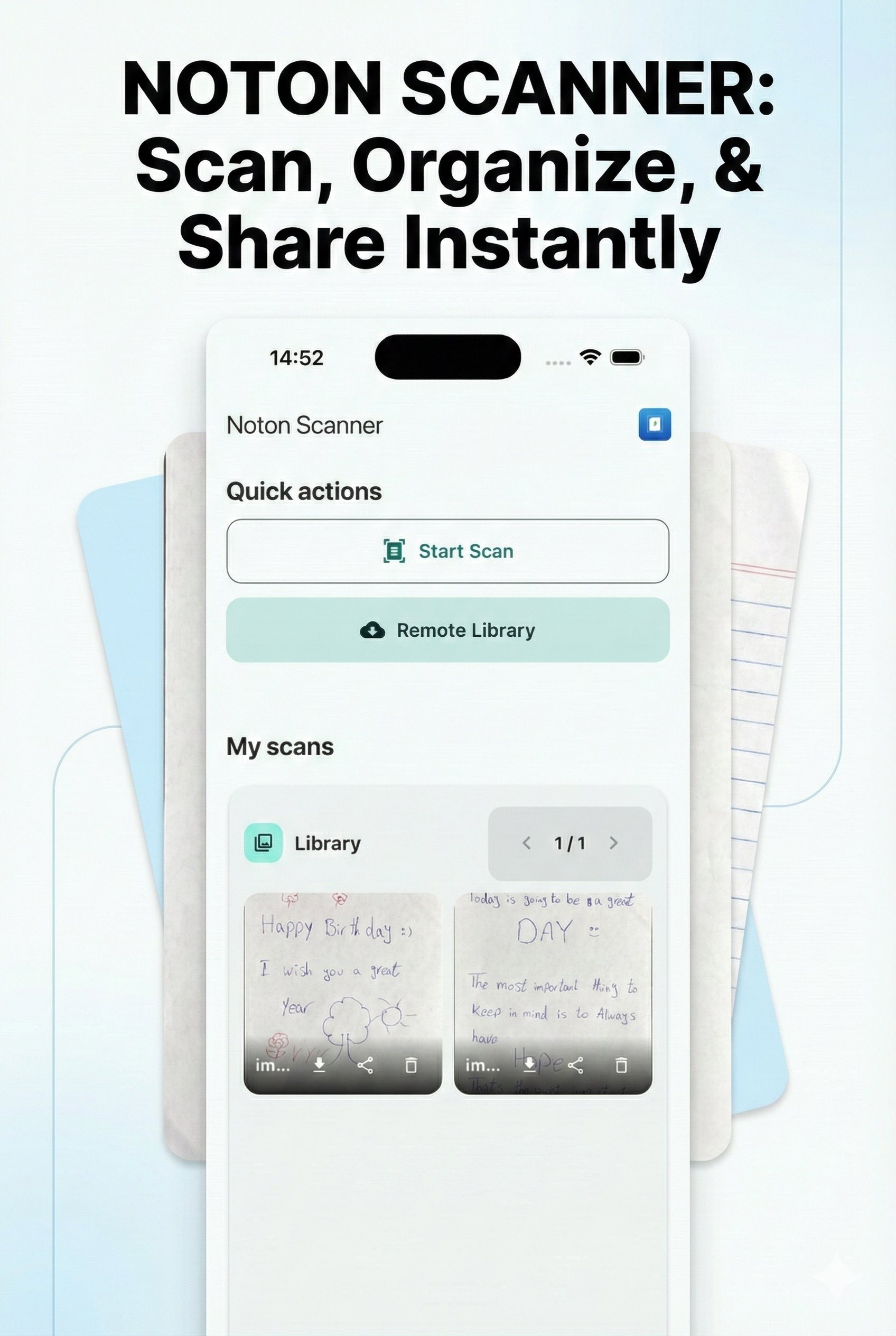
Scan, Organize & Share

Attach Photos, Videos & Files
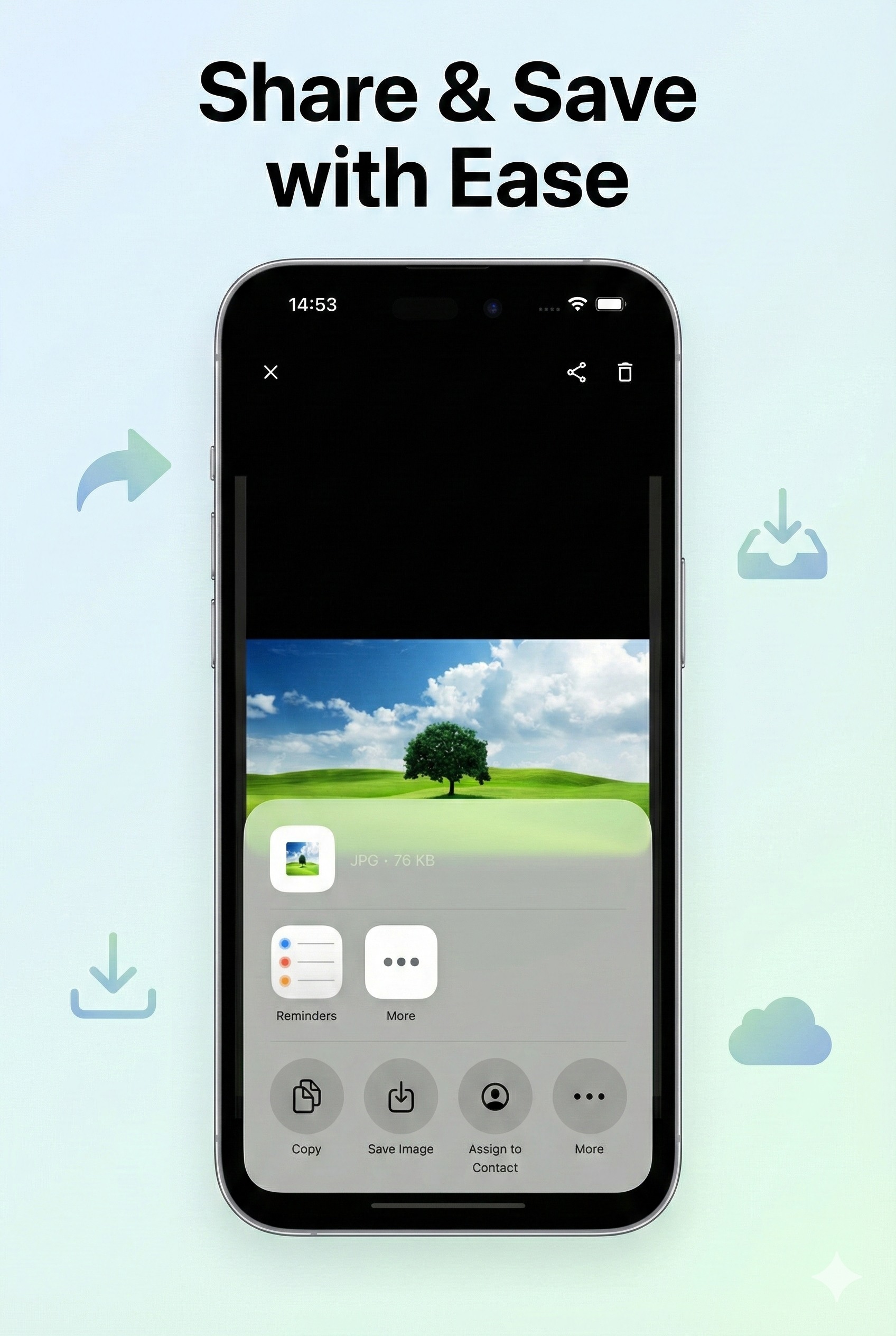
Share & Save with Ease
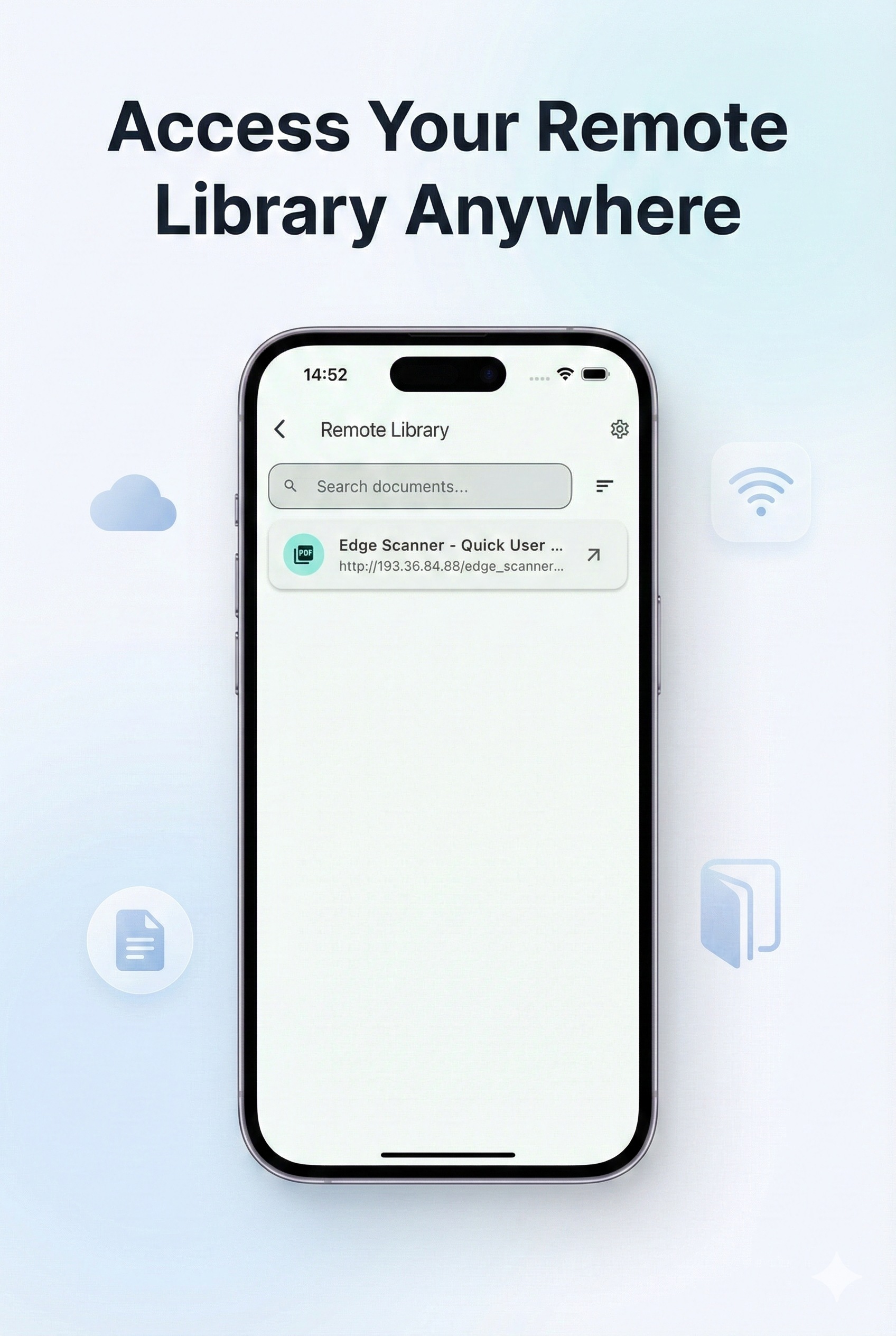
Access Remote Library
How It Works
Get started in just a few simple steps.
Start Scan
Tap 'Start Scan' for automatic capture with smart edge detection.
View Library
View your scans in a clean, paginated grid library.
Fullscreen View
Tap any image for fullscreen view with pinch-to-zoom.
Share & Save
Manage attachments via thumbnails or use 'Share' and 'Save' options.
Notopium FAQ
Quick answers for App Store reviewers and new users.
What is Notopium?
Notopium is the App Store edition and next-generation upgrade of Noton Scanner, adding AI and AR-powered scanning capabilities.
Which features work offline?
Auto-Scan and OMR are available without cloud processing. Advanced OCR and AI entity extraction require an internet connection for cloud processing.
What can I attach to a document?
Attach photos, videos, PDFs, and other supporting files to keep everything together.
How do I contact support?
Email notopium.co@gmail.com and include your device model and iOS version for faster help.
Notopium Support
Have questions, feedback, or need assistance with Notopium or Noton Scanner? We are here to help.
App Store support for Notopium is handled directly via email:
notopium.co@gmail.comWe aim to respond within 24-48 hours.
Notopium Privacy Policy
Your privacy is important to us. Here's how Notopium handles your data.
On-Device Processing
Auto-Scan and OMR are designed to run on-device to detect edges and read marked fields.
Cloud Processing for Advanced OCR
Advanced OCR and AI entity extraction use cloud-based processing to return highly accurate text and entities.
Sharing is Your Choice
Documents are only shared when you explicitly choose to export or share them using the built-in sharing features.
Attachments and Library
Files you attach are stored with your document library and remain under your control unless you share them.